
A little label clarity
Skincare ingredient checker & scanner for iPhone
Less label confusion. More understanding.
Photograph a label or paste an ingredient list. Skinreo explains what’s inside in plain language, with your skin profile for context. Save products to your shelf and revisit them alongside your routine.
Photo, pasted text or barcode lookup. Your choice.
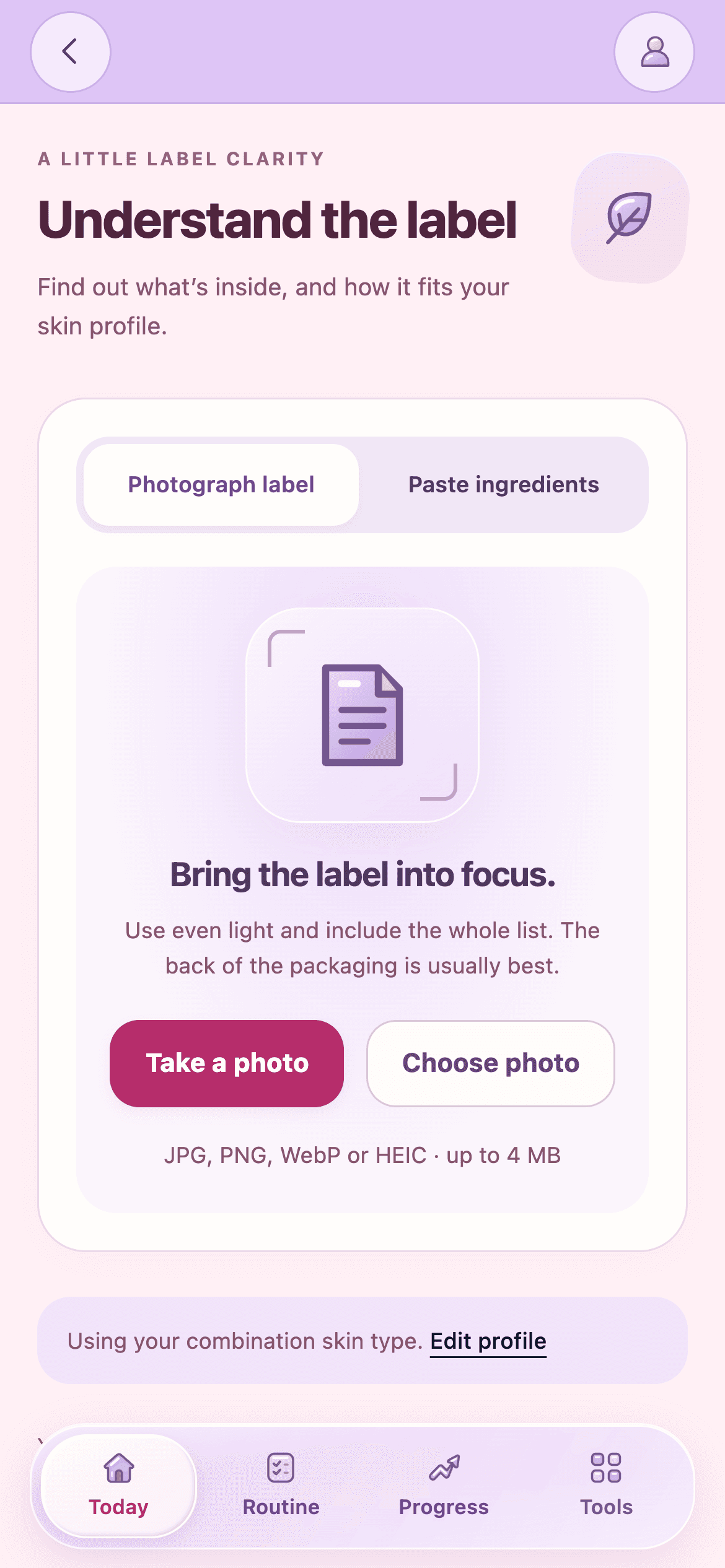
01 / Start with your label
How to check your
skincare ingredients
From the bottle in your bathroom to a product you’re curious about. Choose the input that works for you.
A photo is enough
Scan an ingredient label
Photograph the full ingredient list in clear, even light. Review the recognized text so small print, glare or a folded label does not leave something out.
Already have the text?
Paste an ingredient list
Copy the list from your packaging or a product page. Include every ingredient in label order, check the spelling, then read the explanation in Skinreo.
Find it in the catalog
Look up a product by barcode
Search for a product or scan its barcode. If catalog ingredients are missing or differ from your packaging, switch to a photo or paste the actual list.
02 / Make sense of the list
Understand the ingredients in your skincare products
Ingredient roles in plain language
An unfamiliar name becomes easier to navigate when you know its role. Our skincare ingredient analyzer explains what ingredients commonly do, with relevant considerations and room for uncertainty.
Read the explanation alongside the actual label. A familiar ingredient alone does not establish how a finished product will perform.
A little more about our approachAn illustrative label
An example ingredient breakdown
- AquaSolvent
- The water base that helps carry other ingredients.
- GlycerinHumectant
- Commonly used to attract and hold water in a formula.
- ParfumFragrance
- Adds scent; the term does not identify every fragrance component.
An educational example, not a product assessment. Exact concentrations and personal tolerance remain unknown.
03 / A little personal context
Ingredient explanations with your skin in mind
Your self-reported skin type, concerns and goals help give explanations context. Keep those details up to date as your routine changes. Your profile adds perspective; it does not predict an individual reaction or guarantee that a formula suits your skin.
Shared by you. Used for context.
Ingredient references and AI explanations
Skinreo combines available ingredient reference records with AI interpretation. Records can add context about cosmetic roles, restrictions and fragrance allergens. Coverage varies by ingredient; a reference record is not a finished-product assessment.
Reading errors and incomplete information
Small print can be misread, and catalog entries can be incomplete or out of date. Review recognized text and use your current packaging. Ingredient lists usually do not disclose exact concentrations or the complete formulation.
Can an ingredient checker predict breakouts?
No. Two people can react differently to the same formula. A skincare ingredient checker can explain listed ingredients and relevant considerations, but it cannot predict your individual reaction, rule out an allergy or certify product safety. Treat the explanation as a starting point for understanding your label.
05 / Keep the bigger picture
Keep your products and routine together
Save a checked product to your shelf, keep notes alongside your routine and revisit your photo journal. Put your product information in the same place as your daily habits. Your journal adds context, but it cannot prove that a product caused a change.
A few things worth knowing
Skincare ingredient checker FAQs
A little clarity, before your next label.
Still curious? Get in touchWhere do I find a product’s ingredient list?
Start with the current packaging, usually under Ingredients or INCI. You can also copy a list from the brand’s product page. Check that it matches your packaging and includes every ingredient in order.
Can I scan a photo instead of typing ingredients?
Yes. Photograph the complete ingredient label in clear, even light, or choose an existing label photo. Check that all ingredient names are readable before submitting. You can paste the text instead if that is easier.
Why do ingredient checkers give different results?
Checkers can use different references, criteria and ingredient-name matching. Some focus on specific flags; others explain cosmetic roles. Read the explanation and its limits rather than treating a rating as a verdict on the full formula.
What if a barcode lookup doesn’t find my product?
Catalog coverage varies. If a product or usable ingredient list is missing, photograph or paste the actual label. If a catalog entry differs from your packaging, use the list on the product you have.
Can an ingredient checker tell me a product is safe?
No. Ingredient information cannot establish the complete formulation, rule out an allergy or predict an individual reaction. Concentrations and personal tolerance may be unknown. Use the explanation as context, rather than a safety certificate.
Are my ingredient-label photos processed by AI?
Yes. Submitted photos or text are sent through Skinreo to OpenAI for the check you request. Avoid including personal information in the image. Our Privacy Policy explains processing and retention in more detail. Read our Privacy Policy.
Scan your next skincare label with Skinreo
A clearer ingredient list. A little more context.
Keep it all with your skincare routine.